
Buyer's guide: what to evaluate before buying a product photography system (India 2026 edition)
Use this practical buyer's guide to evaluate automated product photography systems, avoid expensive procurement mistakes, and choose a workflow that scales with your catalogue.

Table of contents
If you are evaluating automated product photography systems, start here: the most important factor is workflow completeness. A system that covers capture, processing, and publishing in one connected pass typically outperforms a stitched stack of separate tools, and the gap widens as volumes grow.
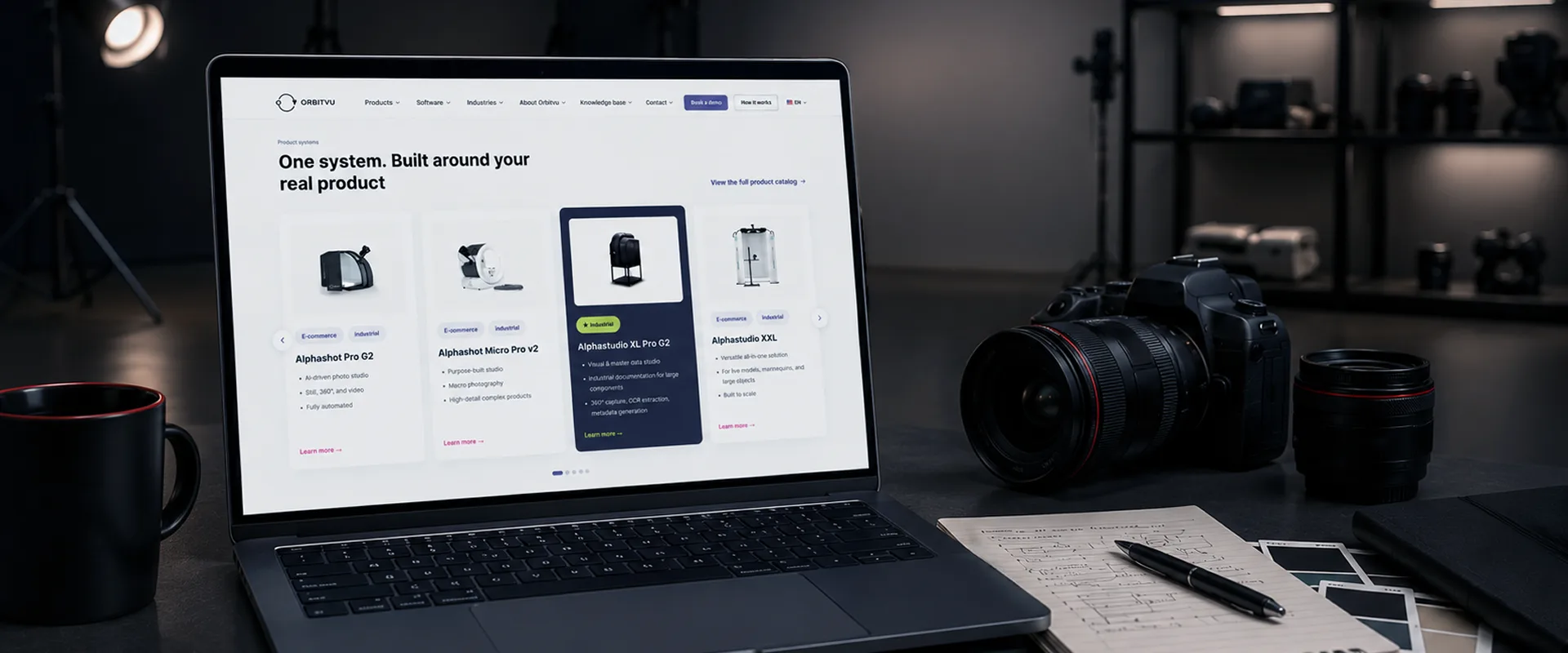
This guide gives you 10 evaluation criteria to compare vendors, avoid common procurement mistakes, and choose a system that fits your production reality. It is useful whether you run an e-commerce catalogue operation or an industrial parts documentation line.
Whether you are replacing outsourced product photography, upgrading a manual camera setup, or building your first in-house studio from scratch, the right tools will decide how quickly your product photos reach your online stores.
Key takeaways
- Workflow completeness is the top criterion. A system that covers capture, processing, and publishing in one pass removes hidden costs and errors from stitched tool stacks.
- Start with real-product capture, not AI generation. Systems that photograph your actual product deliver the accuracy, consistency, and marketplace compliance that AI-only tools cannot guarantee.
- Evaluate AI by what it does, not by the claim that it exists. Look for named AI functions, not generic "AI-powered" language.
- Integration matters as much as image quality. If the system cannot push images and metadata directly to your PIM, ERP, or e-commerce platform, manual work appears at every handoff.
- Calculate total cost of ownership over three years, not just purchase price.
What is a product photography system?
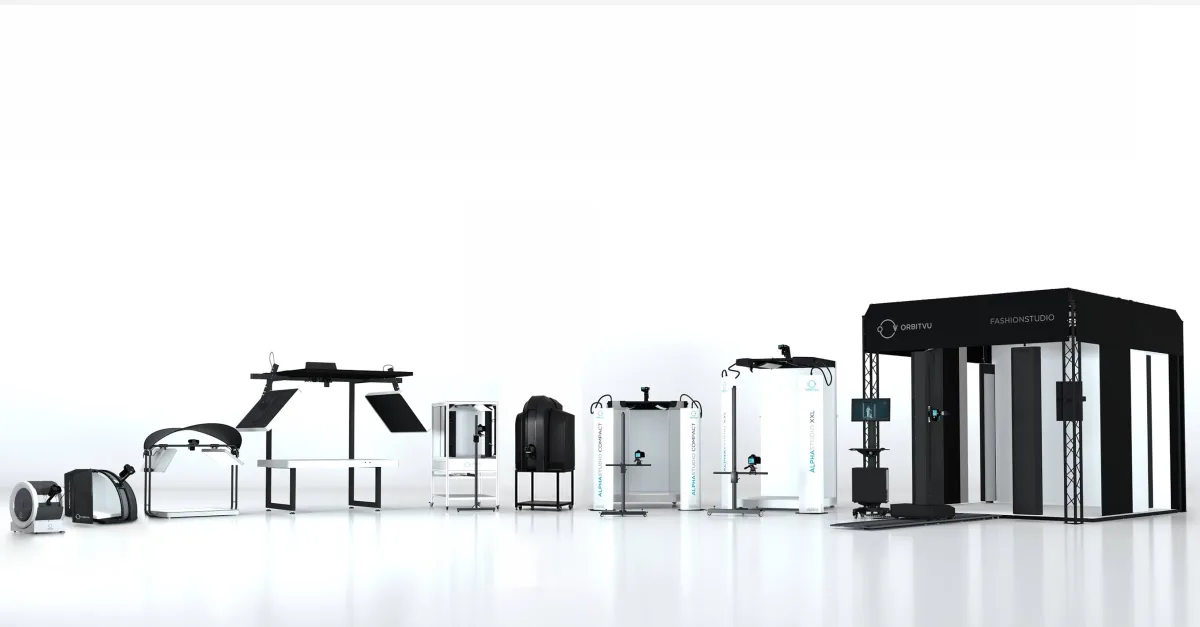
A product photography system is an integrated combination of hardware, software, and (in modern systems) AI, designed to produce publish-ready product images, multi-angle views, and video at production scale.
It differs from a traditional photo studio because the workflow is automated and repeatable. An operator places the product. The system handles capture and post-processing. The output is ready for your e-commerce platform, PIM, or marketplace without manual retouching or file handling.
Why this decision matters now
Three pressures are pushing this decision to the top of the priority list.
Volume keeps growing
More SKUs, more marketplaces, and more content types per product:
- stills
- multi-angle images
- video
- flat-lay
- detail shots
Outsourcing or running a manual studio cannot keep pace when your catalogue grows by thousands of products per season. An in-house automated studio flips the economics: volume goes up, and per-image cost comes down.
Marketplace compliance is tightening
Amazon, Zalando, and other major platforms now enforce image specifications with automated checks.
Amazon
Amazon main-image requirements, according to its Seller Central guidelines, are strict:
- pure white background (RGB 255, 255, 255)
- product fills at least 85% of the frame
- at least 1,000 px on the longest side (Amazon recommends 1,600+)
If your system does not produce this automatically, every image needs manual background work before going live.
More details: Amazon product photography that stands out from competition.
Zalando
Zalando enforces different requirements. According to its partner image guidelines, category rules may require portrait ratio, smaller file size, and multiple specific views.
"Marketplace-compliant" is not one target. It is a different target for each channel.
The role of automation and AI
The right system should let you save one captured product to every channel at once, with the correct background, aspect ratio, resolution, and file size for each platform.
AI is reshaping this category, but not in a single direction. Generative tools, smartphone AI apps, and capture-first systems are not interchangeable. For compliant packshots, QA documentation, and product truth, capture-first workflows are the safe foundation.
The 10 criteria: what to evaluate before buying
Use these as a checklist.
1. Workflow completeness - from capture to publish
This is the most important criterion. Does the system cover capture, background removal, enhancement, file naming and cropping, export, and publishing in one connected workflow?
Buyer trap: buying hardware only and stitching the rest with manual work.
What to ask: "Walk me from product on the turntable to a publish-ready image in our PIM or marketplace. How many tools? How many manual steps?"
2. Image quality and product accuracy
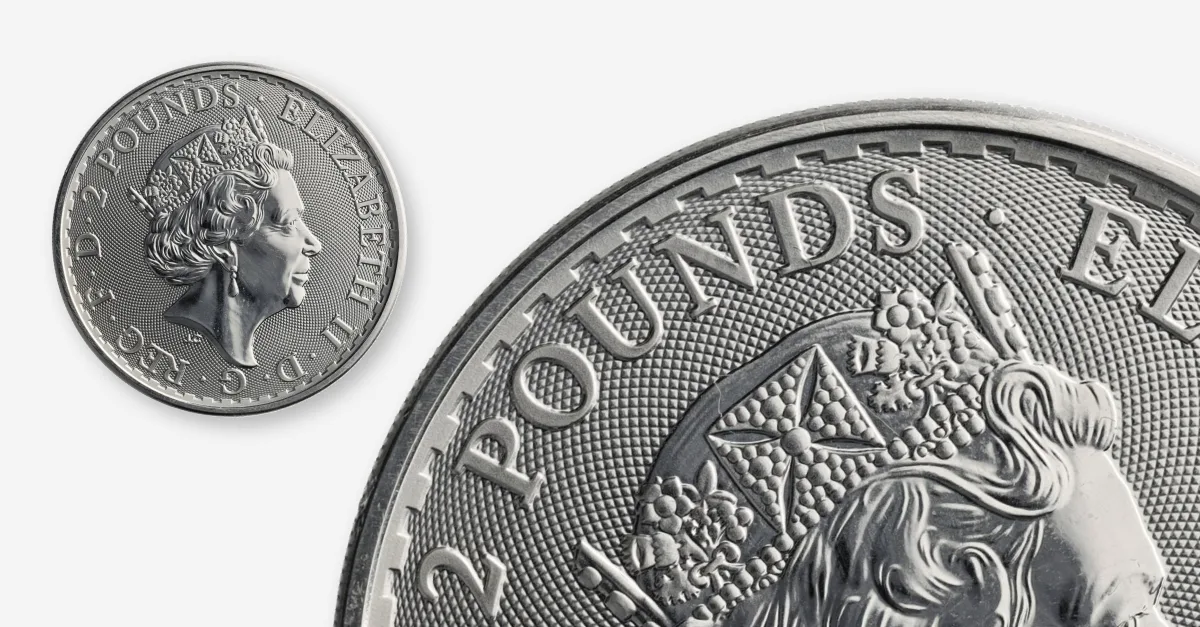
Resolution matters, but consistency and true-to-product accuracy matter more. The real test is colour-accurate output across large batches and difficult categories.
Capturing a real product beats generating one when trust matters. Automated systems keep consistency with locked aspect ratios, automatic centring, hardware-based background removal, and reusable lighting templates.
What to ask: "Show me consistent colour accuracy across 50 products, including reflective, transparent, and dark surfaces."
3. AI - what it does, not that it exists
Every vendor claims AI. The real question is whether AI performs named tasks:
- assists capture (product recognition, lighting setup)
- accelerates processing (background removal, metadata extraction)
- generates from scratch (useful in some marketing contexts, not a replacement for accurate packshots)
What to ask: "Name each AI function and workflow step. Does AI alter the product, or only the environment around it?"
4. Content types and output range
Your channels need different outputs: white-background stills, multi-angle views, video, detail shots, and sometimes metadata capture.
Multi-angle views can improve conversion and reduce returns. Read: ultimate guide to 360 product photography.
What to ask: "How many setups do I need for stills, multi-angle, and video on one SKU? Can metadata export alongside images?"
5. Integration with existing systems
Images and product data must flow to PIM, DAM, ERP, and e-commerce platforms. The buyer trap is a closed system with no practical API/connectors.
What to ask: "What APIs/connectors do you offer? Can you push images and metadata directly to our systems?"
6. Scalability - from 50 to 200+ products per day
Demo speed is not production throughput. Evaluate steady daily output with full deliverables included.
Also check product range: not every setup handles heavier/larger items like furniture or machinery.
What to ask: "What is steady daily throughput, and how does it scale when volume doubles?"
7. Operator skill requirements
If only a professional photographer can run daily production, scalability suffers. A strong system allows trained operators to run repeatable workflows from templates.
What to ask: "Can a non-photographer produce consistent results after onboarding?"
8. Product range and physical constraints
Test the hardest categories, not the easiest: reflective surfaces, transparent products like a translucent bottle, soft goods, heavy items.
What to ask: "Show your output for difficult categories and define maximum supported size/weight."
9. Total cost of ownership
Purchase price is only the beginning. Include software, support, training, operator time, and third-party tools over three years.
Read: how automated product photography helps with cost optimization.
What to ask: "Give me full year-one and year-three cost, including third-party tools."
10. Vendor maturity, support, and roadmap
Production stability matters as much as specs. Validate installation base, support response model, and roadmap momentum.
What to ask: "How many production installations are active? What is average support response time?"
Quick-reference checklist
- Workflow completeness (capture to publish in one pass)
- Image quality and product accuracy
- Named AI functions with clear scope
- Content type range from one placement
- API/connectors for integration
- Scalability at production volume
- Operator requirements and onboarding
- Product range fit (size/weight/material complexity)
- Three-year total cost of ownership
- Vendor maturity and roadmap
4 mistakes buyers make
Buying hardware without workflow
A camera and turntable alone do not create production efficiency if every downstream step remains manual.
Choosing AI-only when you need product truth
AI-generated imagery has use cases, but it is not a substitute for accurate capture in compliance-critical listings and documentation.
Optimising for unit cost while ignoring throughput
Low per-image cost is meaningless if the system cannot keep pace with your product velocity.
Mistaking an AI app for a production system
Smartphone AI apps are useful for quick content, but uncontrolled capture limits consistency and scale.
FAQs on buying a product photography system
How much do automated product photography solutions cost?
Cost varies by product size range, output types, and software scope. Evaluate full three-year TCO, not sticker price.
What is the difference between an automated system and AI product photography?
Automated systems capture real products in controlled conditions; AI tools generate/modify images. They solve different problems.
Can a non-photographer operate an automated system?
Yes. Modern systems are designed for trained operators using reusable templates.
What content types can a full-workflow system produce?
White-background stills, interactive multi-angle views, video, detail shots, and in some systems, structured metadata.
How does integration with PIM/ERP/e-commerce work?
Best-in-class systems provide APIs/connectors and export channel-ready files and metadata.
How many products can an automated system photograph per day?
It depends on setup and output complexity. Evaluate steady daily throughput with all outputs included.
If your team is evaluating systems now, put your real products through a live workflow demo.