
Orbitvu Station 26.2 "Flawless Signet": less manual work, more consistent shots
Orbitvu Station 26.2 introduces three new AI tools, smarter exposure, and a cleaner capture workflow to reduce manual work and improve consistency.
Table of contents
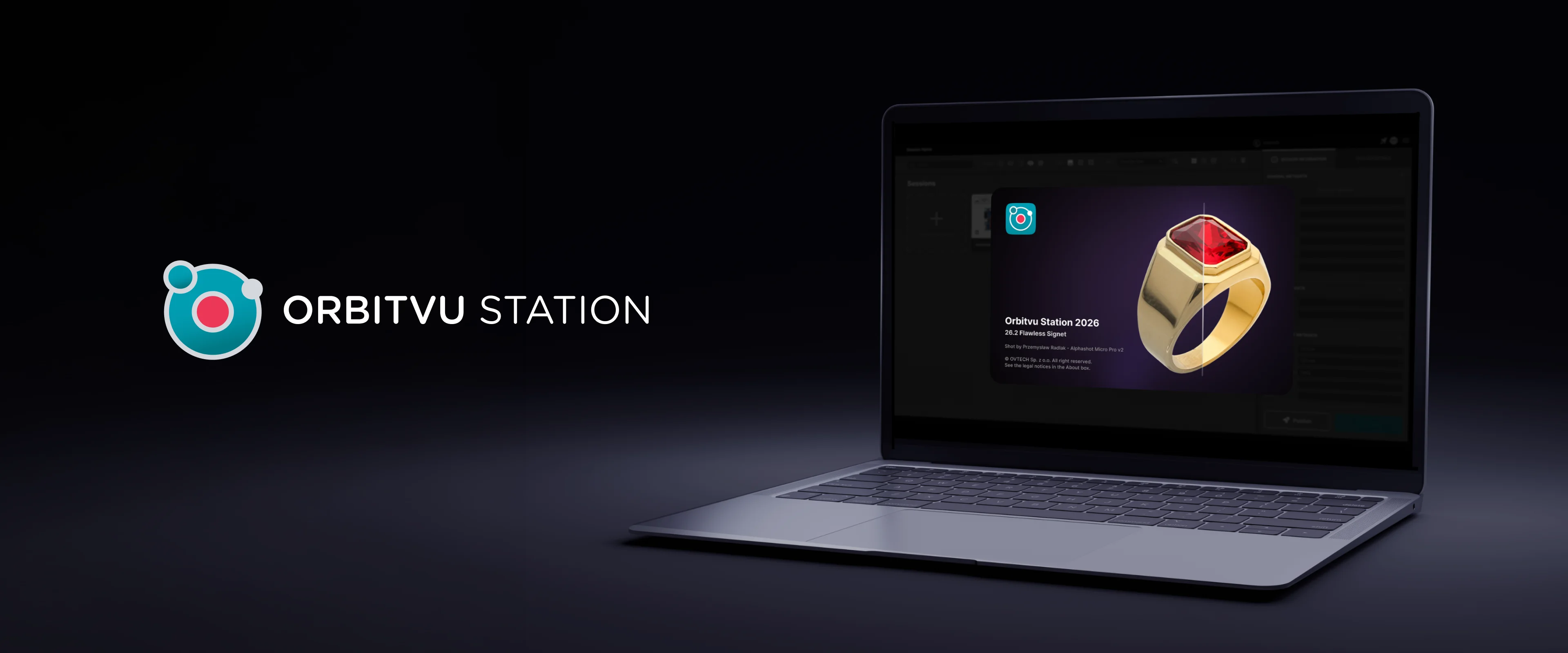
We present the latest release of our automated product photography software: Orbitvu Station 26.2 "Flawless Signet". It is packed with three new AI tools, smarter exposure, and a cleaner capture experience - all designed to take more manual work off your hands.
What is new
Extract your product data and text automatically - AI OCR (Beta)*
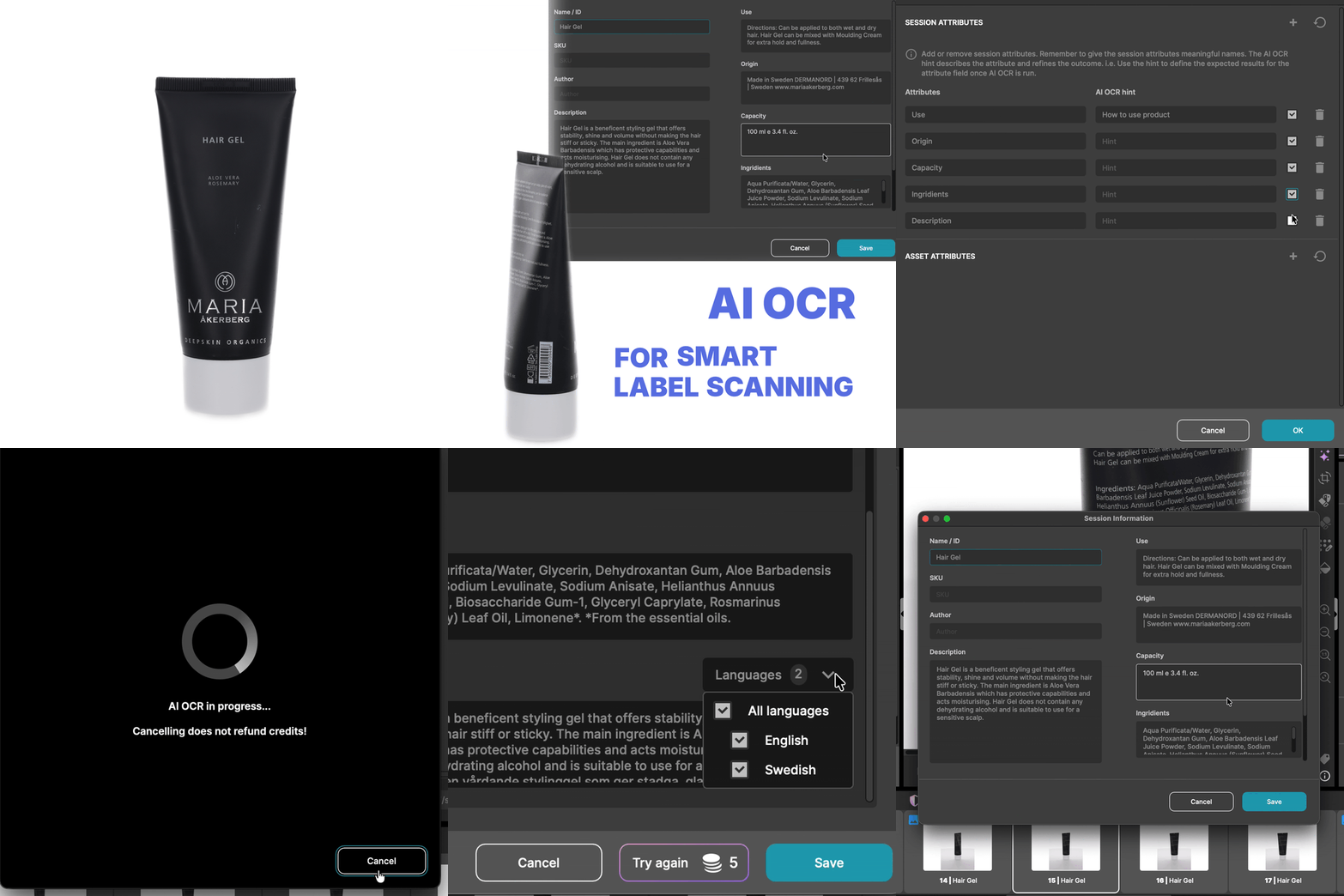
Capture product data without typing it out. Select up to six images, and AI OCR reads part numbers, labels, and handwriting directly from your products, filling custom attributes automatically. Less manual entry, fewer errors, one pass - and the data exports alongside your images as embedded metadata.
Cleaner, more polished images - AI Retoucher (Beta)*
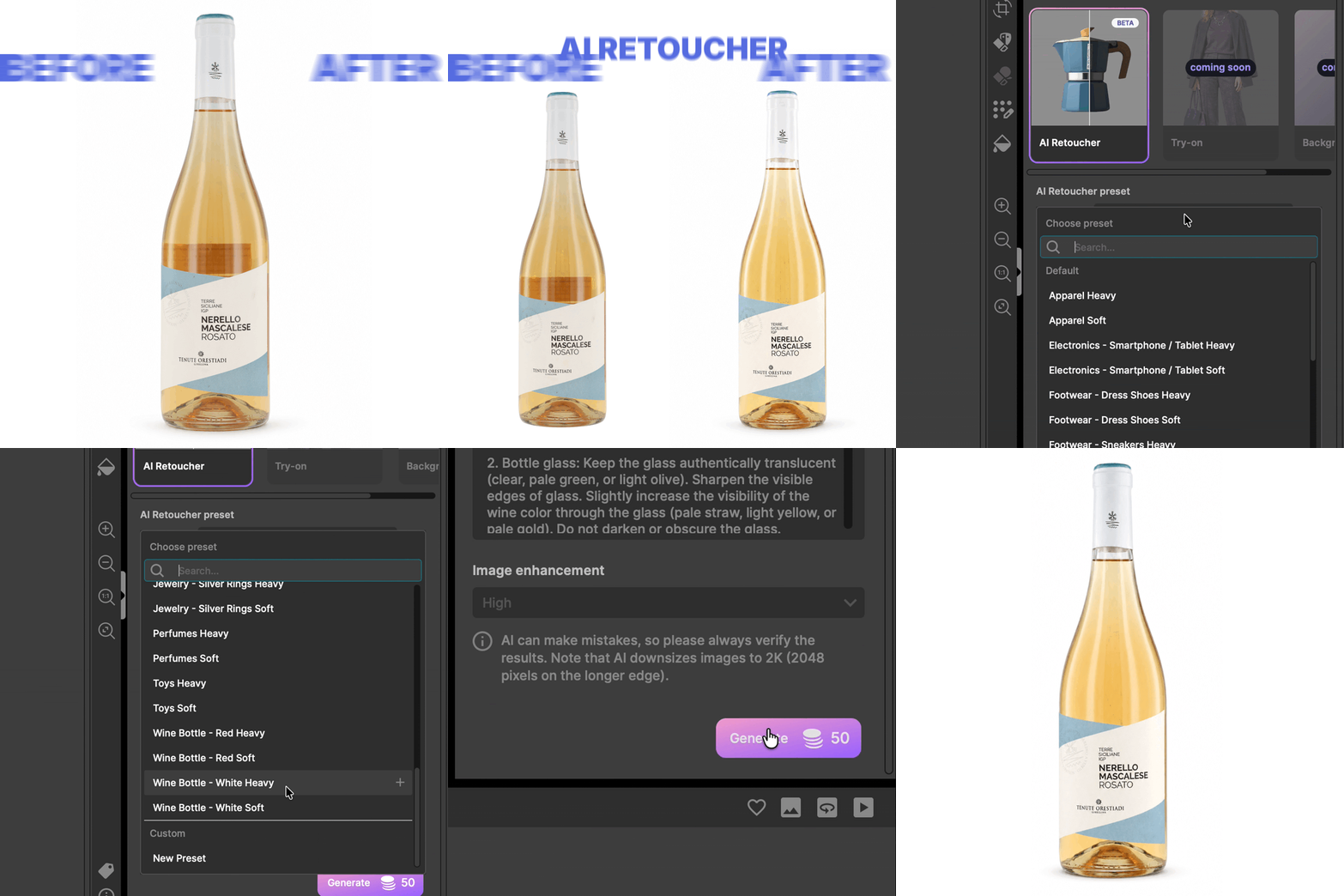
This is where the name earns itself. Get more polished images with fully automated AI retouching: remove unwanted reflections, clean up imperfections, and adjust colors. Use prompts to control the result, then save them as presets for repeatable use.
Mask without leaving the capture screen - AI Masking*

AI Masking now runs on a new model, and the price drops to just 5 credits per image, down from 15. It is built directly into the capture process, so there is no need to apply masking by hand. It runs automatically during capture, and you choose between AI Mask and IQ Mask for background removal. For devices without backlight, you can now remove the background and capture a natural shadow at the same time (Orbitvu turntables, Furniture Studio, Fashion Studio).
Correctly exposed from the first shot - Autoexposure
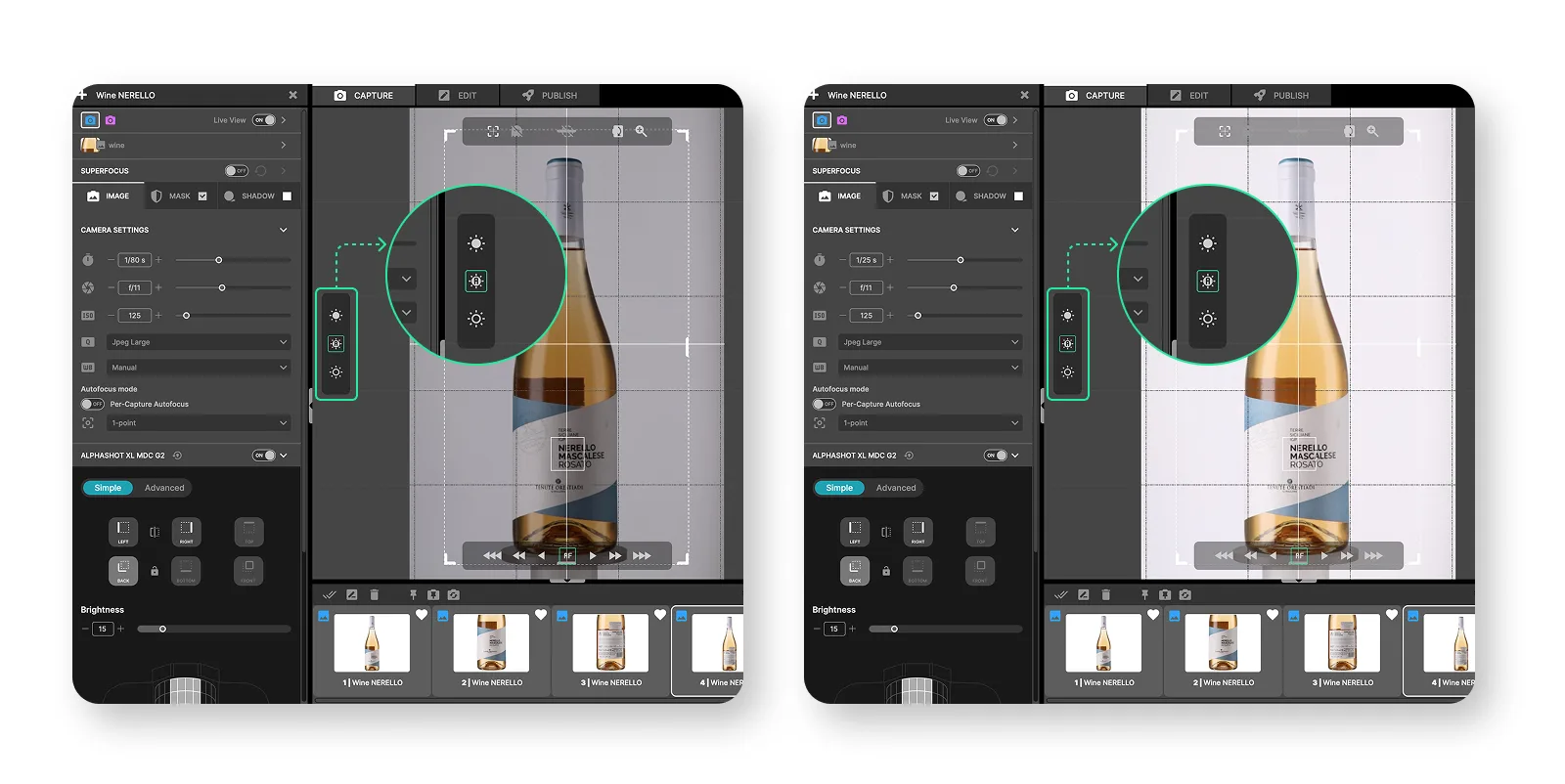
Get correct exposure with a single button touch. In Live View, Orbitvu Station adjusts shutter speed to find optimal settings for the product you are capturing - correctly exposed shots without manual back-and-forth.
What is improved
Superfocus
Sharper images straight out of the box. An improved stacking method and updated defaults mean less halo and cleaner blending between near and far parts of your product.
Live View redesign
A fresh layout and updated design system make Live View clearer and easier to work with.
Cropping frame freedom
You can now turn off Live View cropping-frame centering and capture visuals from any position in the scene.
Canon EOS R6 Mark III support
Camera support now includes Canon EOS R6 Mark III, with updated focusing point overlays.
Get Orbitvu Station 26.2
Orbitvu Station 26.2 expands what your studio can do, with less hands-on work at every step - AI where it matters, your real product always at the center.
*All AI features are available exclusively to users on subscription plans.