24 Mei 2021
How to photograph models: the complete guide
Learn how to photograph models step by step: planning, posing, lighting, equipment, and post-production, for lookbook and e-commerce shoots.

An automated dimensioning system captures length, width, height, and weight in one pass. Here is why warehouse teams still capture product data three times, and what one-pass capture changes.
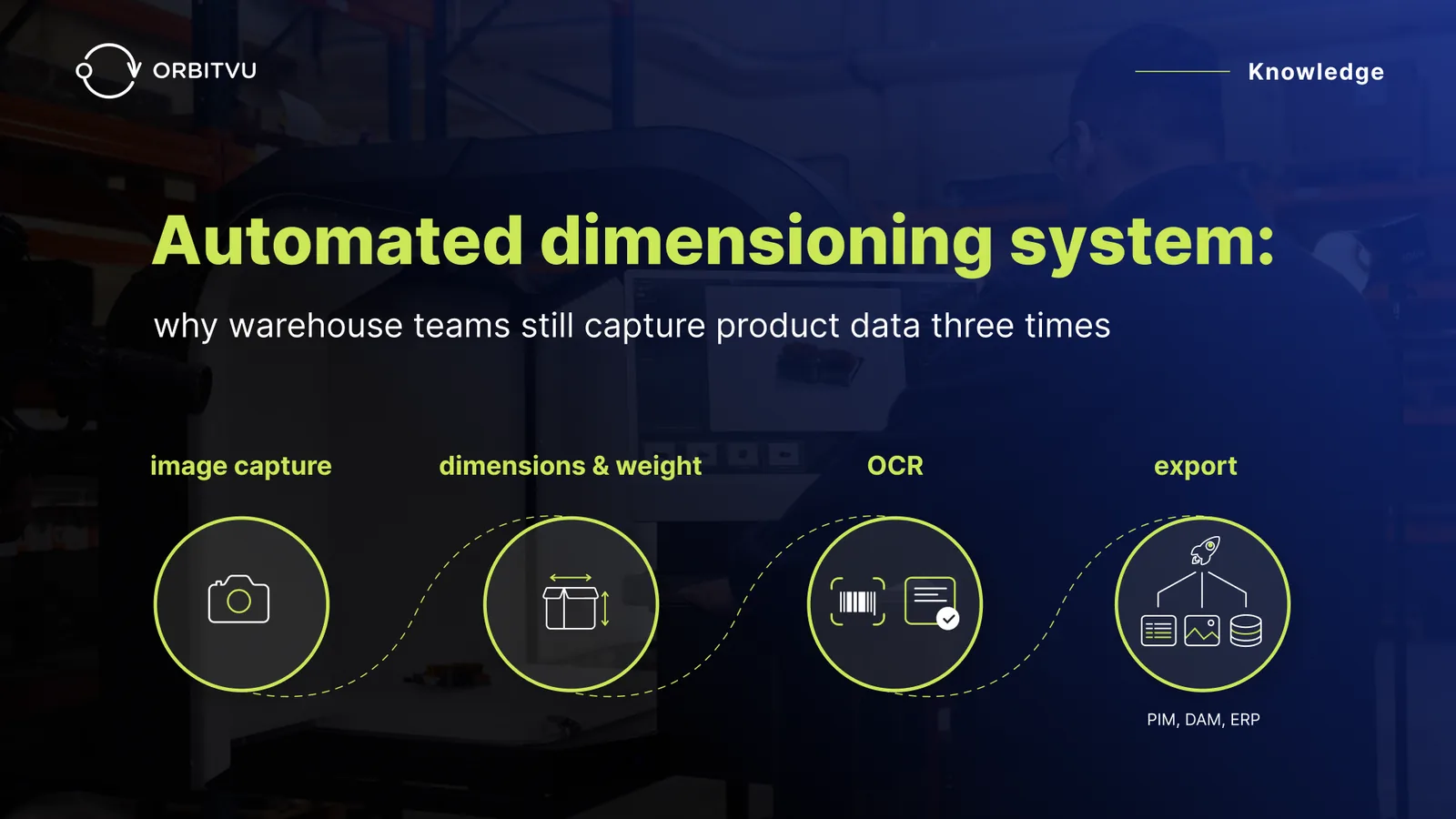
Table of contents
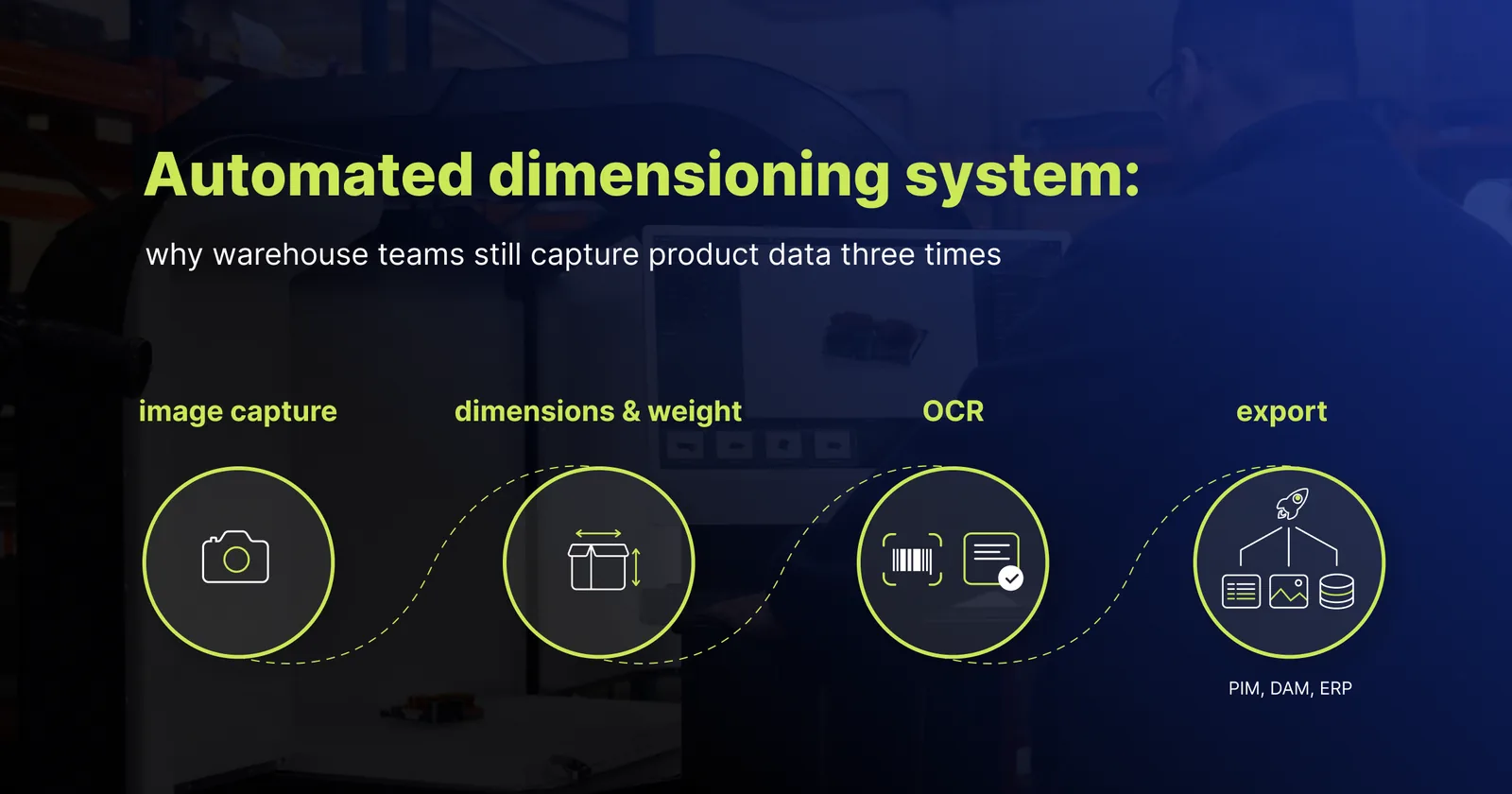
An automated dimensioning system captures a product's length, width, height, and weight in one operation, replacing manual measurement and separate scales. In most warehouse operations, that's one of three product data captures happening in isolation - dimensions go to the ERP, photos to the DAM, label data to the PIM. This article explains why, and what one-pass capture looks like.
An automated dimensioning system measures the length, width, height (L W H), and weight of a package or product in one operation and pushes the data to a warehouse management system (WMS) or enterprise resource planning (ERP) system without manual entry. It replaces the older workflow of ruler, scale, and spreadsheet with a single sensor pass and a direct data write. These systems are common across logistics, warehousing, and e-commerce fulfilment operations.
Automating dimension and weight capture removes the data entry work, the human error, and the measurement drift that manual measurement introduces over thousands of items. The output feeds three business functions: carrier billing (dimensional weight), warehouse space utilization (cube planning), and marketplace listing compliance (attribute completeness).
The most common formats are:
Each format solves a different operational moment. But none of them, on their own, captures the full set of product data your operation needs to move a SKU from receiving to a live marketplace listing.
The reason fulfillment teams still capture product data three times is that the data lives in three different systems, owned by three different departments, populated from three different physical stations. Here's what that looks like across a typical operation:
| System | What it holds | Who owns it | Where the data comes from |
|---|---|---|---|
| DAM (digital asset management) | Images, videos, 360° spins | Studio / marketing | Photography station |
| PIM (product information management) | Descriptions, attributes, marketplace specs | e-commerce / merchandising | Manual entry, spreadsheet import |
| ERP or WMS | SKU, dimensions, weight, barcode | Operations / warehouse | Scale, dim tool, scanner - three separate steps |
One SKU. Three stations. Three data records. Each of these warehouse systems pulls the same SKU from a different source of master data. There's no single moment in the intake process where all of it is captured together.
This isn't a bug. It's how the systems were bought - each one procured to solve one department's problem, on its own timeline, with its own budget. Nobody set out to build a workflow where the same product gets handled three times before it's ready to ship or sell, but that's what you end up with.
Four root causes keep the three-system pattern in place across most fulfilment operations:
The fragmentation persists because there's no operational cost to keeping it - until there is.
Until recently, fulfillment operations tolerated fragmented product data because it was inefficient rather than expensive. That's changing on two fronts.
Carriers bill on the greater of dimensional weight or actual weight, calculated from their own scan at the depot - not from your records. If your WMS holds a stale or missing dimension, you can't quote shipping costs accurately upfront, and every mismatch becomes a dispute you're charged to pay anyway. Fixing this starts with accurate dimensional data at the source, not reconciliation weeks later.
Amazon, Zalando, and Otto reject or suppress listings that lack complete attribute data - including accurate package dimensions, weight, and images that meet each marketplace's specific requirements. Suppressed listings don't sell. Rejected listings don't index.
Stale dimension data in the WMS causes cartonisation errors: the system picks the wrong box size, the pack team wastes time re-boxing, and shipping costs go up. The measurement step itself carries a labor cost, too - automating it typically cuts 30 to 60 seconds of manual measuring time per package, which adds up fast across a full day of intake. Warehouse space utilization suffers too - if the system doesn't know a product's real dimensions, storage locations get assigned wrong. For irregular items, manual measurement often rounds off exactly the values that would have flagged the space problem in the first place.
Different problems, same root cause: dimensioning and weighing done in isolation from photography and label data leaves gaps that shipping, the warehouse, and the marketplace can no longer absorb quietly.
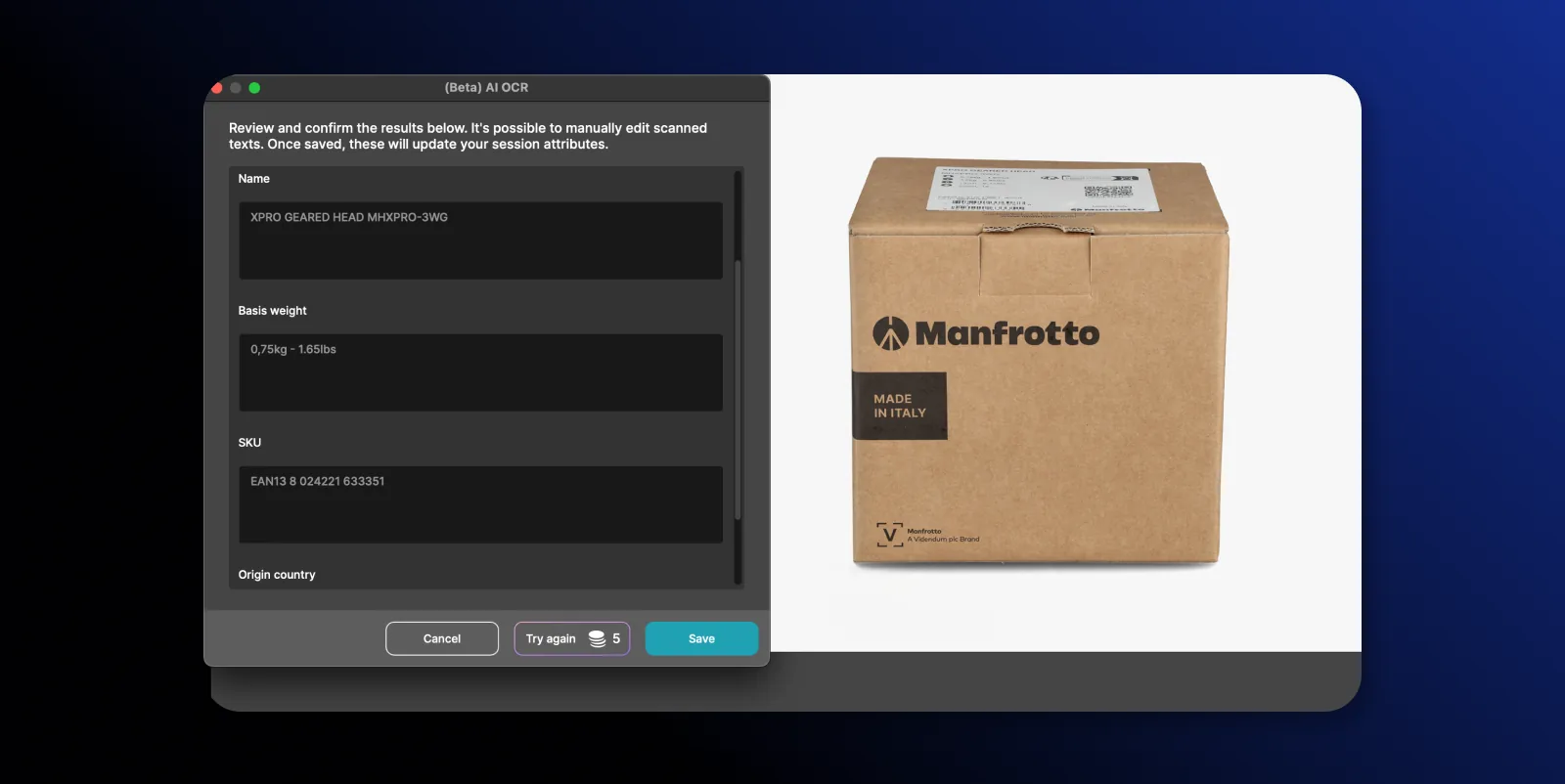
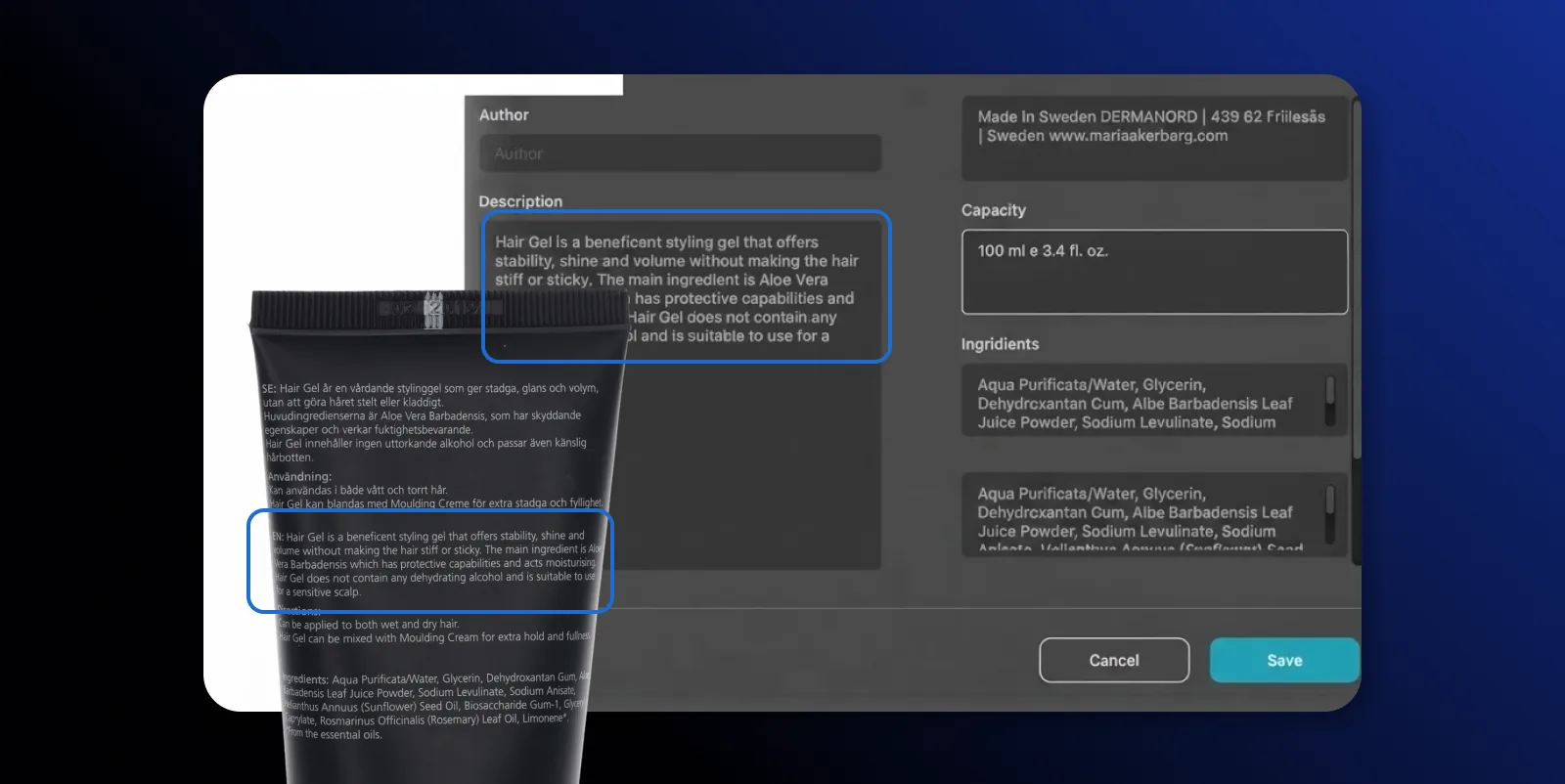
Capturing data from product labels means extracting structured information - part numbers, barcodes, weight and dimension callouts, care symbols - from the label printed on or attached to a product, and pushing that information into your PIM, ERP, or WMS as machine-readable fields.
Here's how the capture step works when it's automated:
In an Orbitvu Station workflow, AI OCR reads the product or its packaging and structures what it finds - part numbers, labels, dimensions, weight. Where each field ends up is still your call; the AI does the reading, you make the routing decisions.
One-pass capture is what happens when photographs, dimensions, weight, and label data are recorded at the same station, in the same operation, tied to the same SKU record. The data then routes to the DAM, PIM, and ERP at the same time.
That's what Alphashot XL G2 MDC does. It's an automated dimensioning system built into a product photography studio: the same pass that shoots your product images also captures precise dimensions and weight, and - paired with Orbitvu Station's AI OCR - reads the product's label. One station, one operator, one record.
The photo shoot doubles as the measurement step, so there's no separate dimensioning station to route the product through afterward and no scale to log by hand. Because dimensions and weight come from the same pass as the photos, the record your WMS receives points to the exact same capture moment as the images your DAM receives - nothing has room to drift between systems. AI OCR reads part numbers and printed callouts at the same time, so your PIM gets structured attributes instead of a manual re-key later. What happens to that data next is up to you: Orbitvu Station routes it to your DAM, PIM, and ERP or WMS, but you decide what goes where.
Handle the product once, and every downstream system - shipping software, the warehouse, the marketplace feed - is pulling from the same record instead of three versions that were captured at different times and can quietly disagree with each other.
An automated dimensioning system measures a package or product's length, width, height, and weight in a single operation and pushes the data to a warehouse or ERP system without manual entry.
A static dimensioner requires an operator to position the item, level the sensor, and log the reading. An automated dimensioning system captures the data continuously and routes it to a downstream system without operator input.
No. Dimensioning and weighing captures one of three product data types your operation needs. Images (for the DAM) and descriptions or label data (for the PIM) still have to be captured separately unless your dimensioning system is integrated with photography and OCR.
Carriers bill on the greater of actual weight and dimensional weight. If your WMS holds a stale or missing dimension record, the carrier's own measurement is used instead, which is typically higher and results in overbilling.
Yes. Studio-integrated automated dimensioning systems - such as Alphashot XL G2 MDC - capture photographs, dimensions, and weight at the same station, in the same pass, tied to the same SKU record.
24 Mei 2021
Learn how to photograph models step by step: planning, posing, lighting, equipment, and post-production, for lookbook and e-commerce shoots.
18 September 2026
What tethering software actually does, how wired and wireless compare in 2026, the five categories of tools on the market, and how to choose one for a high-volume product photography studio.
3 November 2020
A complete guide to 360 degree product photography. Get info and tips on 360 spin product photography, 360 product photography equipment, and software.